腳底星空
(Ricoh GRD Annecy. Street) 李聖傑有首眼底星空。 拍這張照片時,不由得想起這首歌。
(Ricoh GRD Annecy. Street) 李聖傑有首眼底星空。 拍這張照片時,不由得想起這首歌。
(Ricoh GRD Annecy. KeyChain) M: おはよ~ 50秒あと… F: 今日も超忙しい~~ M: そっか。じゃ、頑張ってね。
一出Ifalpes宿舍的門,就可以看到這棵即使下了雪還是滿樹黃葉的大樹。 走到它正面來張四平八穩的照片。 藉由背後的陽光, 讓葉子自然發亮。 草地上的白雪也隱約可見。 ...
(Olympus E300 Anney. By the Annecy Lake) Je suis allé a la bibliotheque à Bonlieu la première fois l’après-midi hier. Il y a beaucoup de livres dans la bibliotheque, bien sûr. D’ailleurs, il y a une salle qui a plein de CD et video que on peut prêter avec l’abonnement multimédia. ...
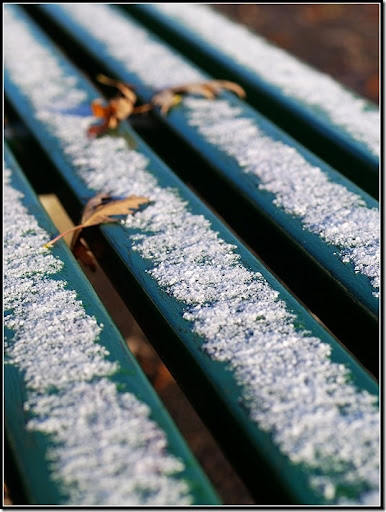
(Olympus E300 Annecy. Ma classe à Ifalpes) Il a neigé ce matin quand j’étais en classe. C’est la première fois que j’ai vu la neige ici en France. La prof nous a dit que c’est un peu tôt qu’avant. ...
充滿太陽的早上, 要待在房裡唸書呢? 還是出門逛個兩小時呢? #1 #2 #3 #4 #5 #6 #7 #8 #9 #10 #11 #12 #13 #14 #15 #16 #17 #18 #19 #20 #21
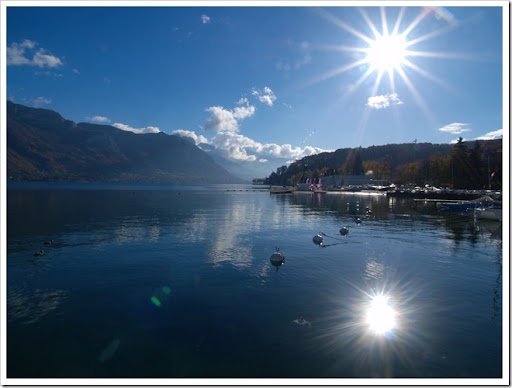
今天天氣真好! 早上把該準備的文章看完,就出門去拍照。
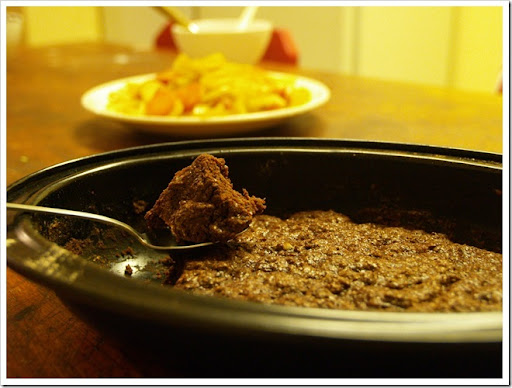
(Olympus E300 Gâteau Chocolat par moi) L’autre étudiante taïwannaise m’a enseigné comment on peut faire le gâteau chocolat à samedi. Et donc j’en ai fait un ce soir avec tous les ingrédients offerts par une autre étudiante chinoise ...
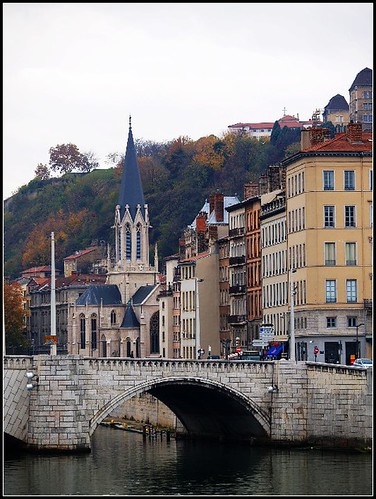
(Olympus E300 France. Lyon) 天氣不好。 里昂,地理課本上的地名, 終於成了腳下走的城市。 比想像中大很多。 光是鬧區就可以走很久。 在Place Bellecour上有辦給Savoie地區作者的書展。 許多攤位都可以看到作者在幫讀書簽書。 主題主要分為:繪本、美食、攝影、歷史等等。 ...
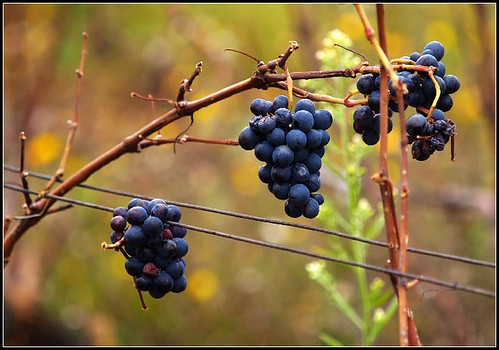
2007年的薄酒萊新酒即將於下週四(每年11月的第三個星期四)上市。不過,今天我先喝了 :p 原本以為薄酒萊是個地名,後來才知道其實它是一個區域的名稱, 位於里昂市北方。 ...